One open platform. Built to govern and scale your entire AI workforce.
Put AI workers to work on the tasks slowing your business down. Connect them to the systems you use, see what they deliver, and retain the intelligence they create—with your rules and Ellavox engineers behind them.

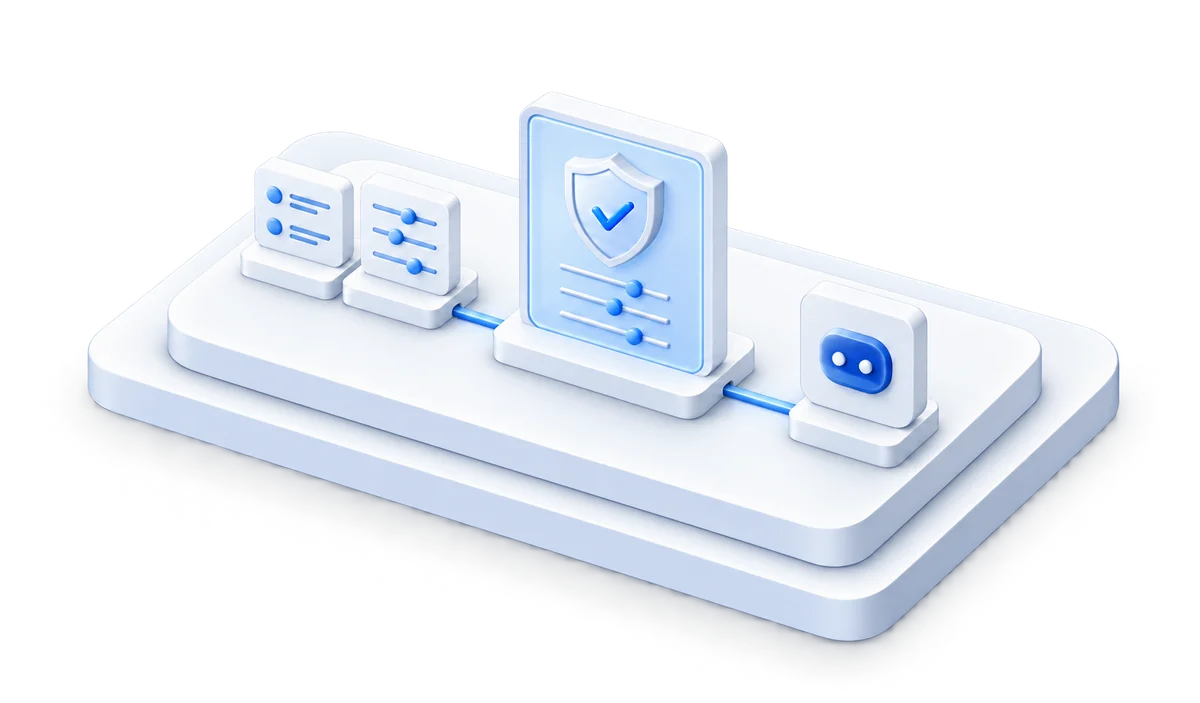
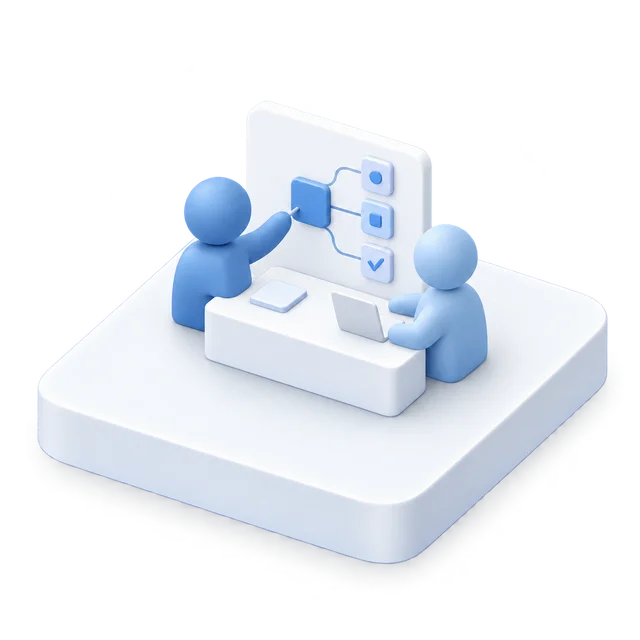 Workforce
Autonomous AI workers that continually improve.
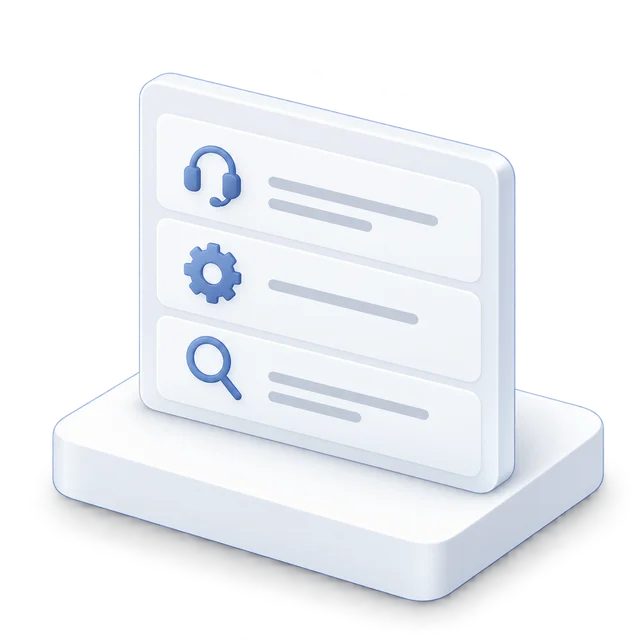
Ellaworks Workforce brings AI workers, prompts, and governance together in one open, integrated platform to safely deploy and manage your AI workforce at scale.
It supports both human-built AI workers and autonomous AI agents. You set the mission, budget, and policies, and Ellaworks AI agents take it from there to create your AI workers.
Ellaworks Control Plane governs the full lifecycle so nothing ships without your policies and rules being enforced.
Read the illustration
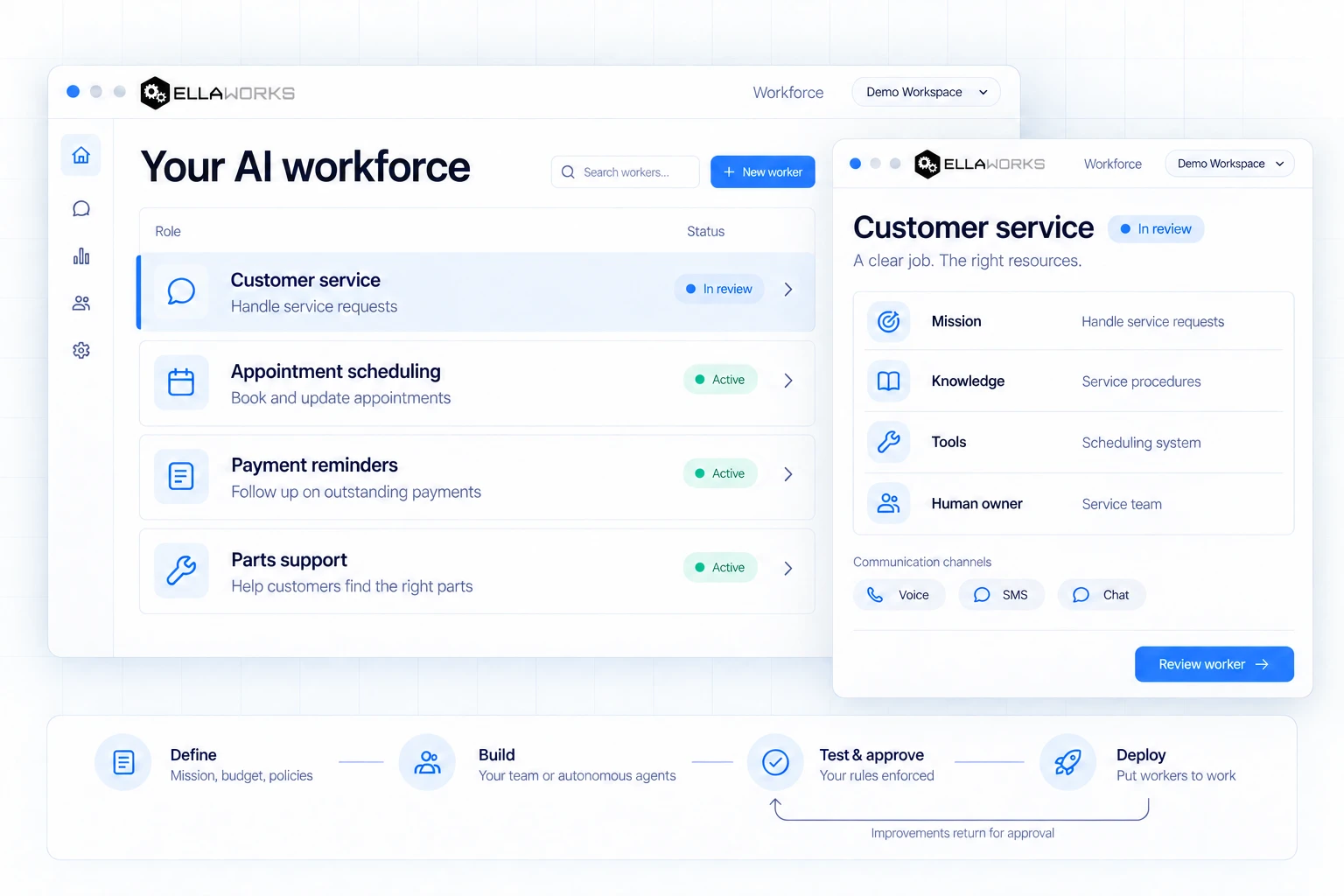
Example workers handle customer service, appointment scheduling, payment reminders and parts support. The customer service worker is in review; the other example workers are active.
The selected worker handles service requests using service procedures and a scheduling system. The Service team is its human owner, with Voice, SMS and Chat shown as communication channels.
- Define the mission, budget and policies.
- Build with your team or autonomous agents.
- Test and approve with your rules enforced.
- Deploy the worker. Improvements return for approval.
Ellaworks Control Plane governs the lifecycle. This is an illustrative workspace; the controls pictured inside the image are not interactive.
PortalKnow what your AI workforce is delivering.
Under every Ellaworks AI worker is a complete operating foundation with enterprise-wide visibility delivered through Ellaworks Portal.
It surfaces AI worker results and behaviors, trusted channels and knowledge, approved tools and business systems, explicit controls, and human ownership.
Ellaworks’ fully integrated, tightly governed platform allows both Ellavox and our Fortune 500 customers to build and manage AI workers at scale. It’s built for what’s available today and whatever comes next.
Read the illustration
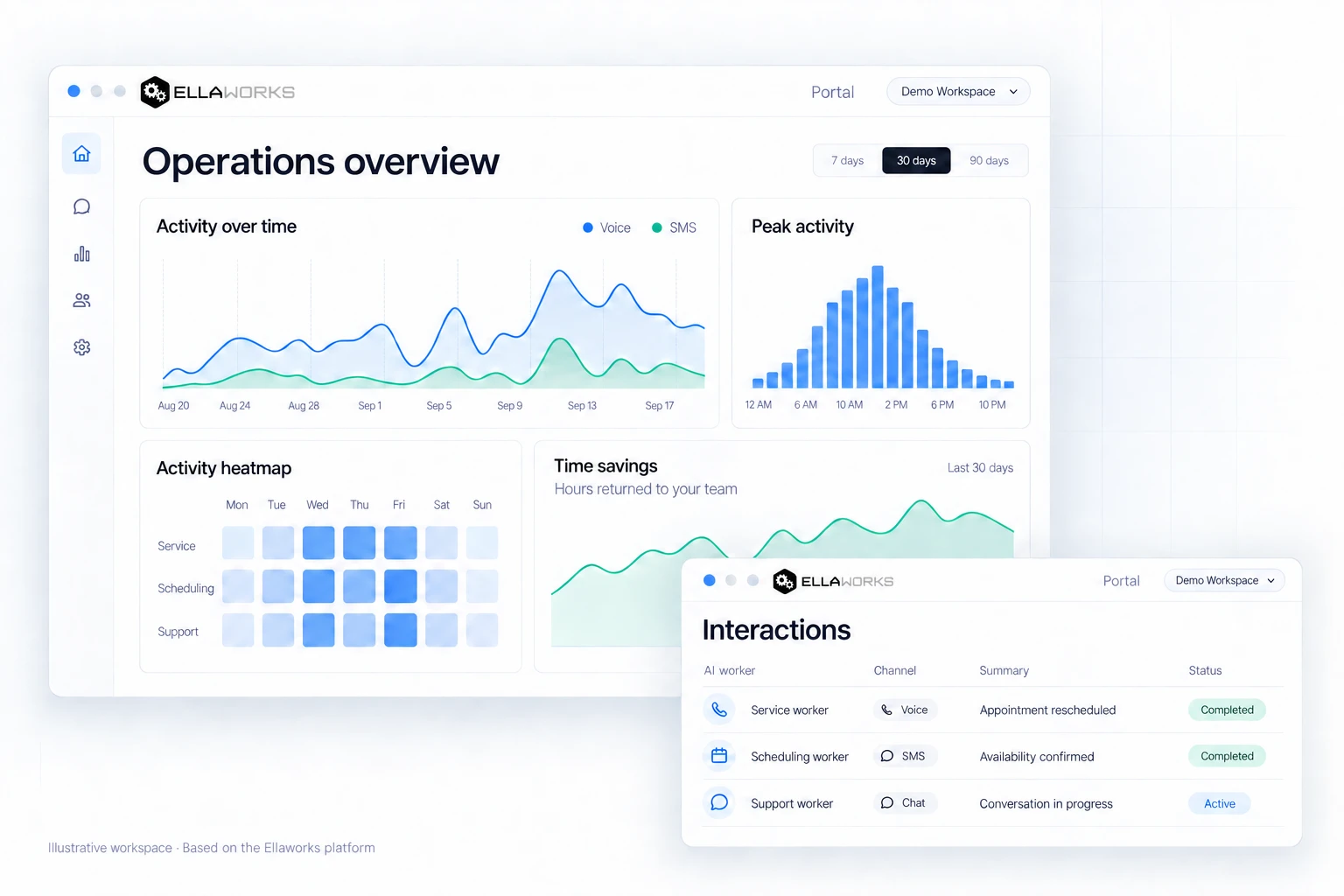
The operations overview shows voice and SMS activity over time, peak activity, activity by worker and day, and time savings. The charts are illustrative and do not represent customer performance figures.
The interactions view shows three example conversations:
- Service worker · Voice · Appointment rescheduled · Completed.
- Scheduling worker · SMS · Availability confirmed · Completed.
- Support worker · Chat · Conversation in progress · Active.
Completed refers to the interaction status, not an evaluation of its success or confirmation that a service visit has taken place.
IntelligenceAI that compounds intelligence & competitive advantage.
Every Ellaworks AI worker produces durable intelligence with each AI execution that your enterprise owns. It’s not shared with AI model providers or your competitors.
It informs what your organization does next, both strategically and tactically, creating competitive advantage for your business that compounds over time.
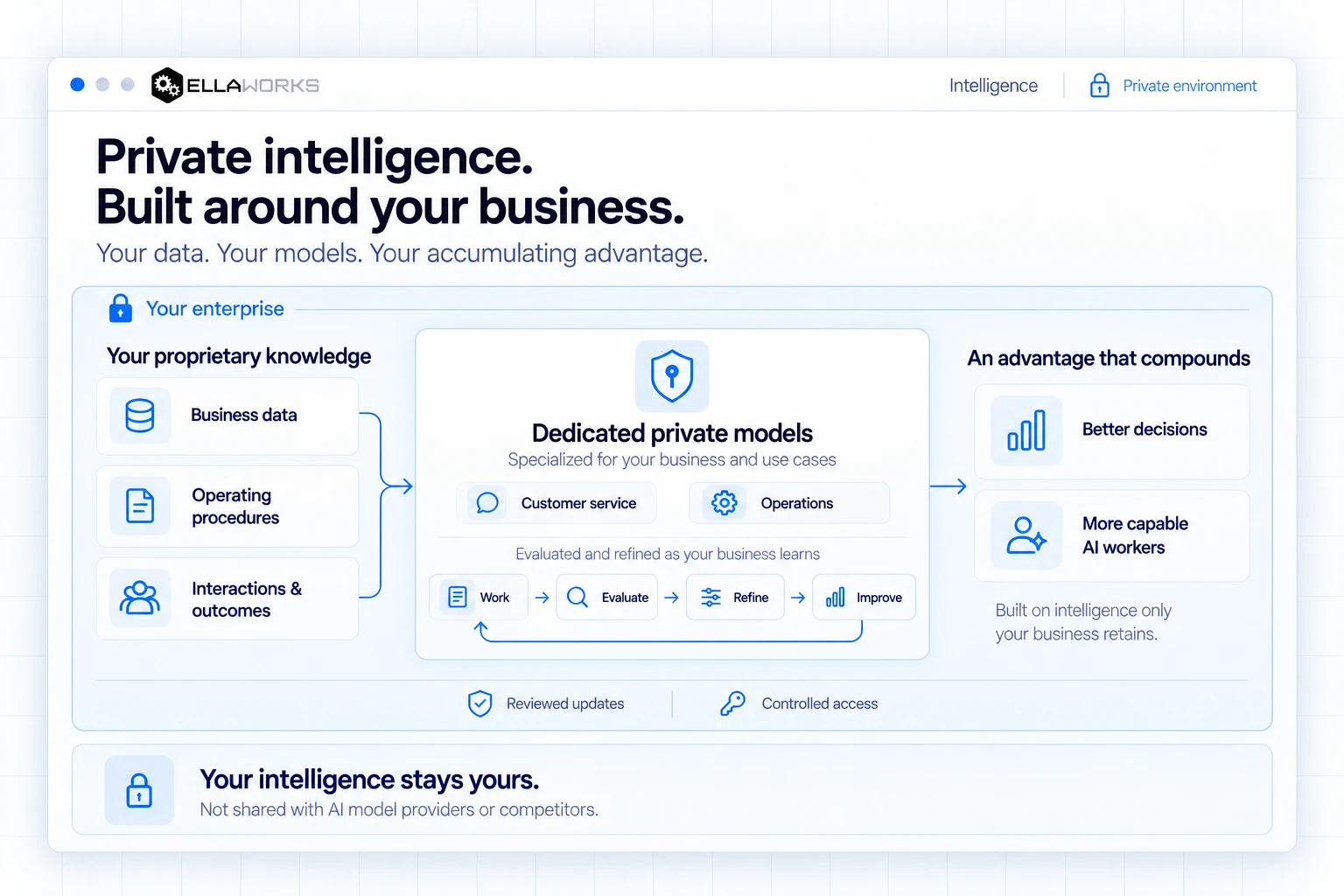
Read the illustration
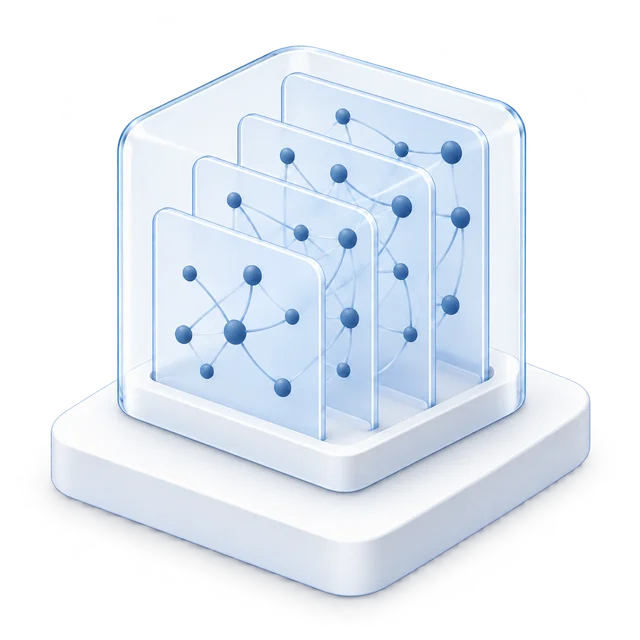
Private intelligence, built around your business: your data, your models, your accumulating advantage. One enterprise boundary contains the proprietary knowledge, dedicated private models, learning cycle and business outcomes.
Business data, operating procedures, and interactions and outcomes feed private models specialized for your business and use cases. Customer service and Operations are shown as example specializations.
- Work within the private environment.
- Evaluate what is learned.
- Refine the dedicated models.
- Improve and repeat the cycle as your business learns.
Better decisions and more capable AI workers build on intelligence your business retains. Reviewed updates and controlled access sit within the enterprise boundary.
Your intelligence stays yours. It is not shared with AI model providers or competitors. This is an illustrative workspace, not an interactive product screen.
Control PlaneGovern the inputs. Not just the outputs.
Ellaworks Control Plane uses an Input Engine that governs the inputs before AI workers are deployed, controlling what AI workers are able to do and say. Extensive output controls provide added protection.
In addition to governing the inputs, Ellaworks Control Plane provides full version management, approval workflows, evaluations, rollbacks, auditability, and drift prevention—automatically, across every environment where AI workers run—to ensure every Ellaworks AI worker performs safely and reliably to deliver consistent results.
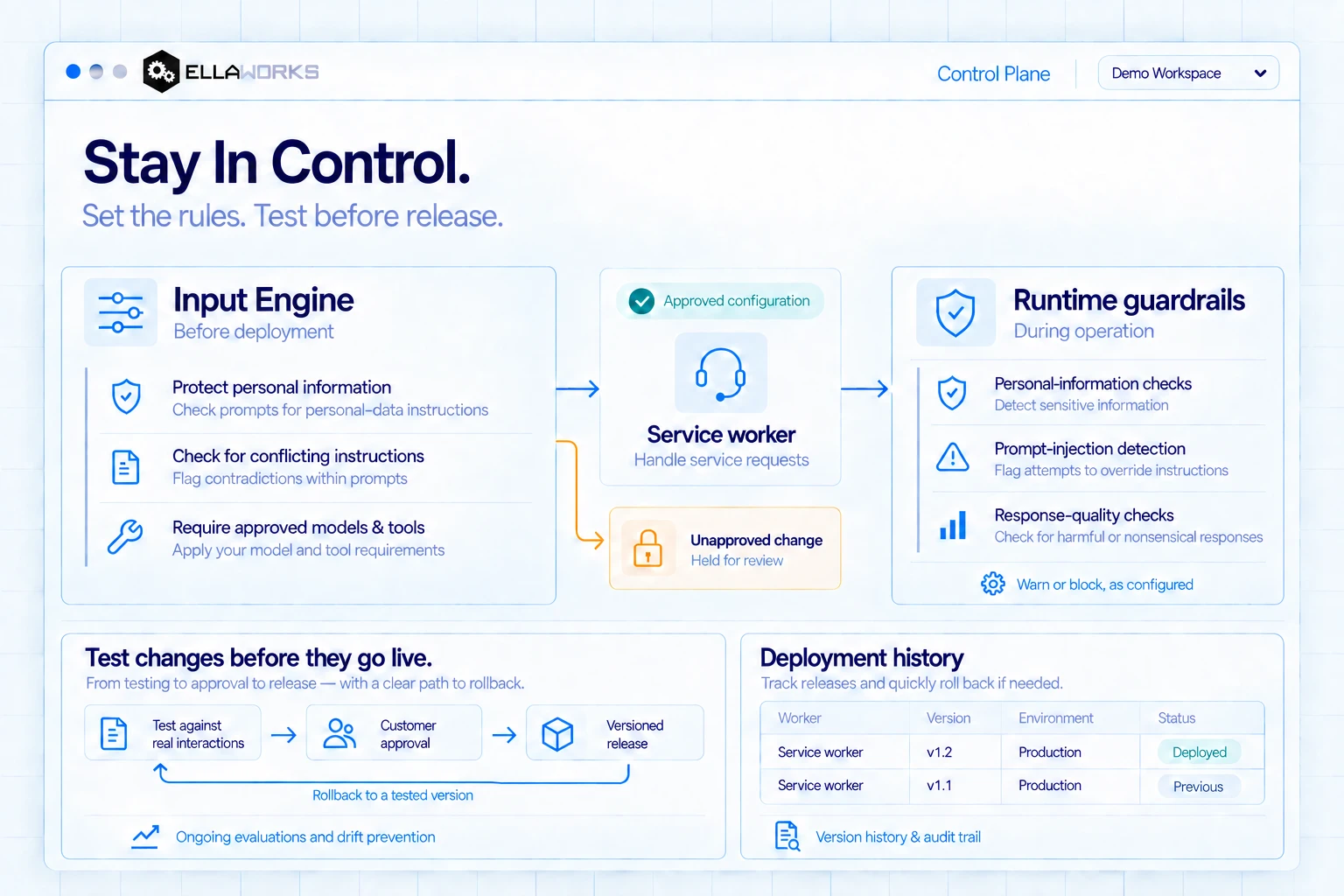
Read the illustration
Stay In Control. Set the rules. Test before release. Before deployment, the Input Engine applies policies that check prompts for personal-data instructions and conflicting instructions, and applies your model and tool requirements.
Approved configuration proceeds to a Service worker handling service requests. A separate unapproved change is held for review and does not proceed to the worker or runtime guardrails.
During operation, runtime guardrails check for personal information, prompt-injection attempts, and harmful or nonsensical responses. They warn or block, as configured.
- Test changes against real interactions.
- Obtain customer approval.
- Make a versioned release.
Rollback returns to a tested version. Ongoing evaluations and drift prevention support continued oversight, alongside version history and an audit trail.
The example deployment history lists Service worker v1.2 in Production as Deployed, and v1.1 in Production as Previous. These are illustrative records, not customer deployment data. Controls pictured inside the image are not interactive.
DirectoryCollaborate with AI workers from other departments & organizations.
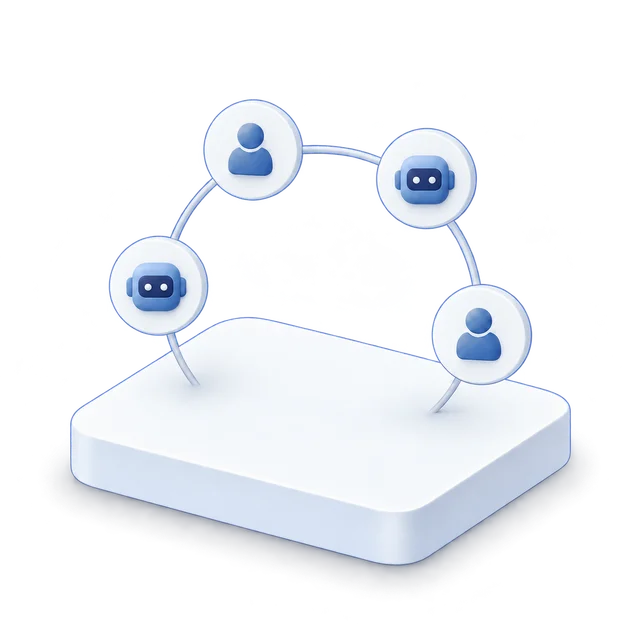
When your department’s AI workers need to work with AI workers in another department or at an outside supplier, partner, or customer, questions arise: Can you trust these AI workers? What can they do? How will they work together?
That’s where Ellaworks Directory comes in. Ellaworks Directory brings the power of Elladex—the open directory for the agent economy—inside your organization. Every AI worker gets a verifiable identity, owner, and declared capability set, whether internal or external to your organization.
Once registered, they can be easily discovered, verified, and connected with your AI workers, allowing them to safely and efficiently work together to solve real-world challenges.
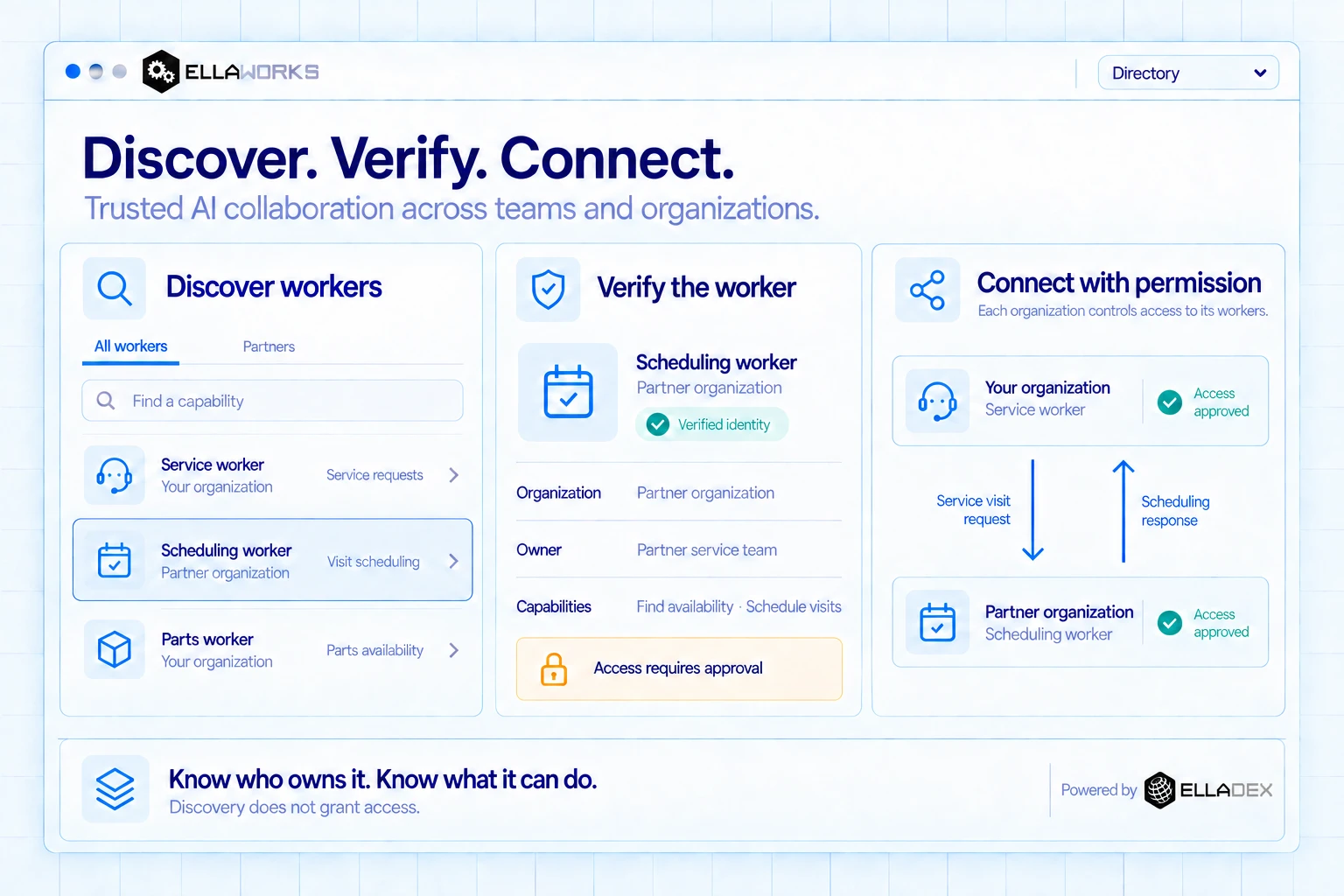
Read the illustration
Discover, verify, and connect AI workers across teams and organizations. The All workers list includes a Service worker and Parts worker from your organization, and a Scheduling worker from a partner organization.
The selected Scheduling worker has a verified identity, belongs to the Partner organization, and is owned by the Partner service team. Its declared capabilities are finding availability and scheduling visits. Access requires approval.
After access is approved by each organization for its own worker, your Service worker sends a Service visit request to the partner Scheduling worker. A Scheduling response returns to your organization.
Each organization controls access to its workers. Discovery does not grant access. Powered by Elladex.
This is an illustrative workspace, not customer data. Tabs, search and worker selections pictured inside the image are not interactive.
 Engineering & Support
Move faster. Deliver results. Stay within budget.
Ellavox Engineering support enables your team to launch your AI workforce quickly and safely, allowing you to move from idea to production with clear costs, faster delivery, and an enterprise foundation for security and governance already in place.
Business leaders get the freedom to innovate and deliver immediate impact, while IT ensures that enterprise data and intellectual property are protected, corporate policies are tightly adhered to, and auditability remains strong as business teams adopt new AI capabilities.
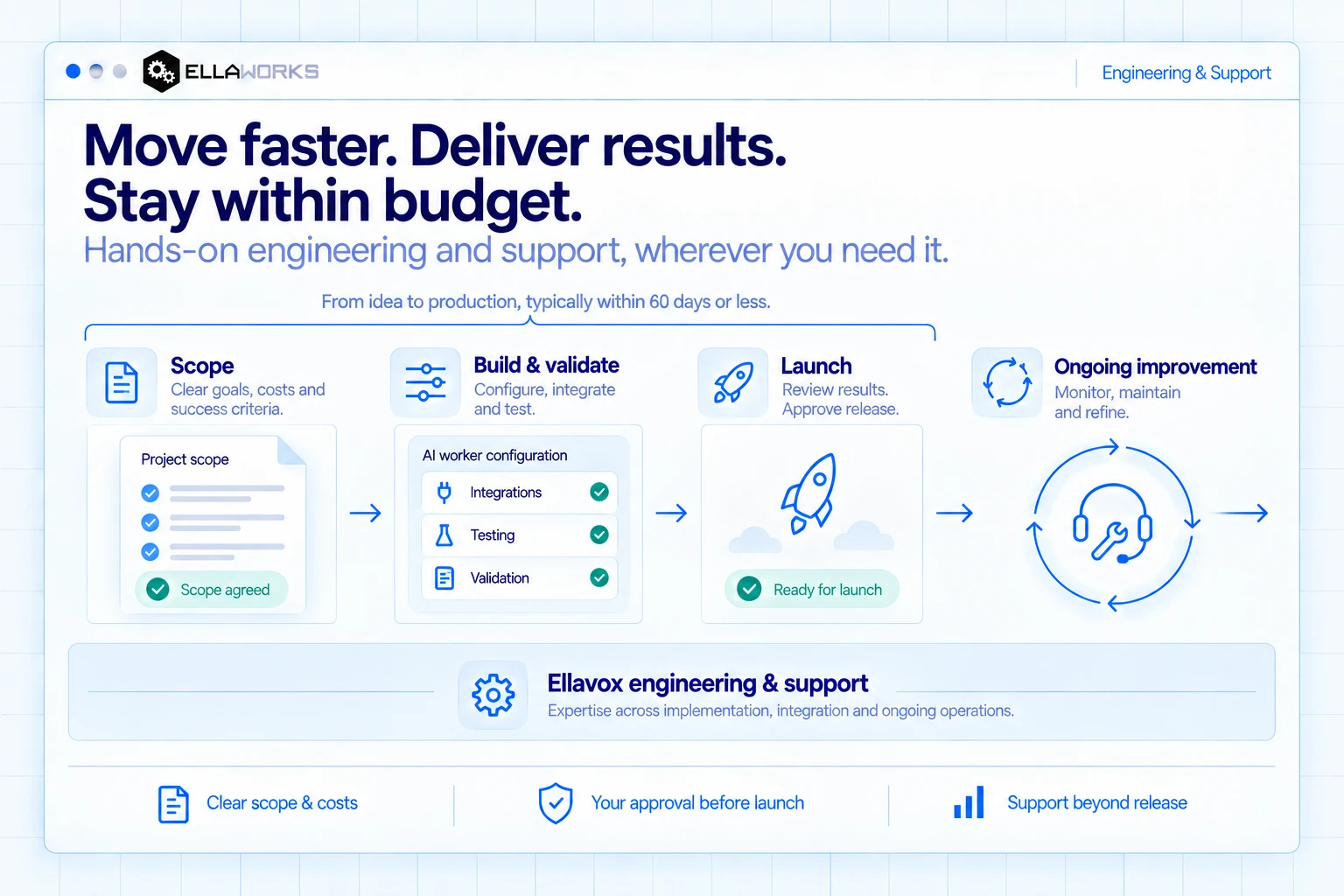
Read the illustration
Move faster. Deliver results. Stay within budget. Hands-on engineering and support, wherever you need it.
From idea to production, typically within 60 days or less. This timeframe covers scope through approved launch; ongoing support continues beyond launch.
- Scope: establish clear goals, costs and success criteria. The illustrated project scope is marked Scope agreed.
- Build and validate: configure, integrate and test. The worker configuration illustrates integrations, testing and validation.
- Launch: review results and approve release. The release illustration is marked Ready for launch.
- Ongoing improvement: monitor, maintain and refine, with support beyond release.
Ellavox engineering and support provides expertise across implementation, integration and ongoing operations. Support spans the journey without prescribing a fixed division of responsibilities.
Clear scope and costs. Your approval before launch. Support beyond release.
This is an illustrative delivery journey, not customer project data. The statuses and panels pictured inside the image are not interactive.
What could your AI workforce do for your business?
Tell us where work is getting stuck. Together, we can explore a first use case, the result you want, the systems involved, and what it would take to launch.
Talk to us